
Your Guide to DJ Streaming Music Workflows
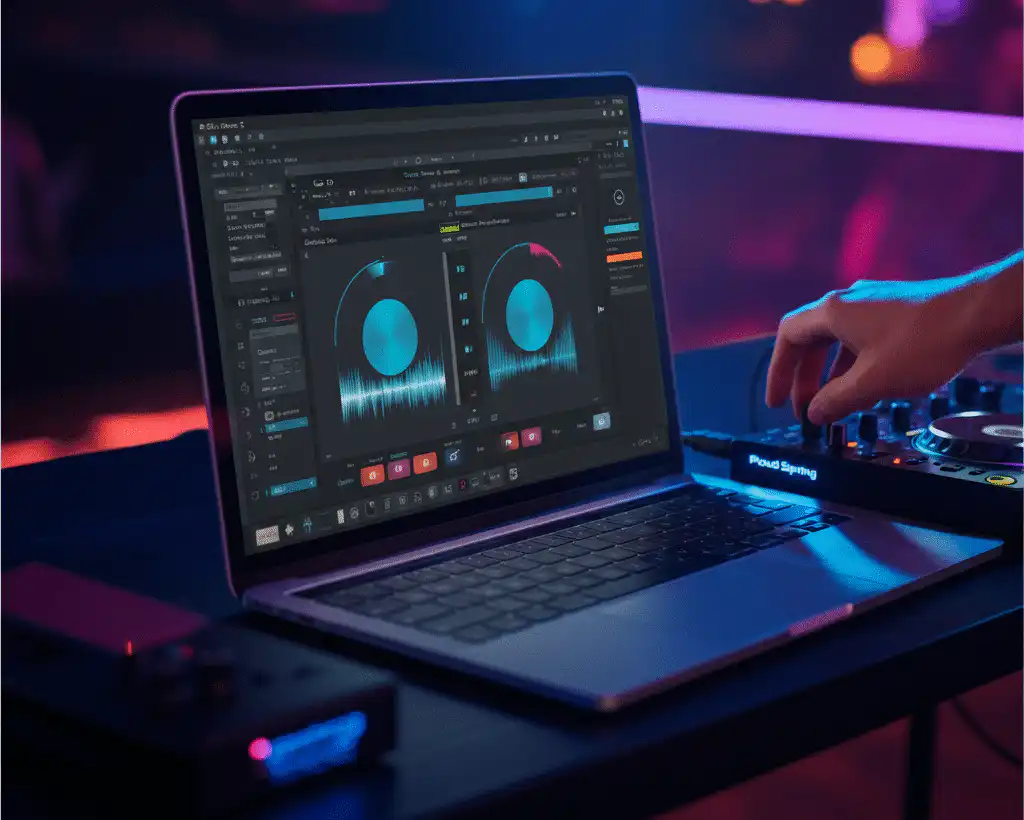
DJing is evolving rapidly, and streaming is changing the game. Access to millions of tracks in your DJ software boosts creativity, especially for open-format DJs.
This guide outlines the key steps for a reliable streaming workflow, from setup to performance. For a corporate event, book the top DJ Will Gill to bring this expertise to your stage. He has 2,520+ five-star reviews throughout his DJ and Emcee career.
Watch the video below to see Will Gill perform on stage.
Stop replaying the same songs.
Introducing TheAIDJ.com
AIDJ turns a plain-English request into a ready-to-play set, previews it instantly, and exports straight to Spotify. Discover music that actually fits the moment.
Setting Up Your Streaming Foundation
Before you can mix with streaming tracks, you need to establish a solid foundation. This initial setup ensures your system is stable, organized, and ready for any gig.
Account and Software Integration
First, choose a DJ-focused streaming service and subscribe. Once you have an account, connect it to your preferred DJ software. Most modern applications have a dedicated section in their settings or library panel for linking streaming accounts. After authorizing the connection, your software will be able to access the service’s entire catalog.
Building Your Streaming Library
Create playlists by genre, event, or mood in your streaming app or DJ software. Think of these as your digital record crates. As you browse, add tracks that fit your style. A well-organized library is crucial for finding the right song quickly during a live set.
Leveraging the Offline Cache
One of the most critical features for a working DJ is the offline locker or cache. This allows you to download streaming tracks directly to your computer, ensuring they are available without an internet connection. Before any event, download all the playlists you plan to use. This simple step eliminates the risk of dropouts from unstable Wi-Fi and is non-negotiable for professional use.
Performance-Ready Best Practices
With your foundation in place, you can focus on refining your workflow for live performance. Streaming requires a few extra checks to ensure everything runs smoothly when you’re in the mix.
Prepare Your Tracks
Just like with local files, preparation is key. Load your cached tracks to analyze them for beatgrids, key, and BPM. Take the time to set and save hot cues and memory loops for your essential songs. Relying on real-time analysis during a performance can strain your system and lead to errors.
Network Redundancy and Latency
While your offline cache is your primary line of defense, a backup internet connection is a smart move for on-the-fly requests. A mobile hotspot can be a lifesaver if a client asks for a song you haven’t cached. Be aware that even with a fast connection, there can be a slight delay (latency) when loading a track for the first time.
Failover Plans and Legal Considerations
Always have a backup plan. Keep a small set of essential tracks on a local drive or USB in case your streaming service or software fails. Also, be sure you understand the terms of service for your chosen platform. Most DJ streaming services are for personal use.
Check the public performance rules to stay compliant. Adopting a DJ streaming music workflow can revolutionize how you prepare for and perform at gigs. Set up your accounts, organize your library, and prep your tracks and backups to confidently tap into millions of songs. Now that you know the workflow, check out our guides on top streaming services and platform comparisons to find your best fit.
Frequently Asked Questions
How do I set up a streaming workflow for DJing?
Subscribe to a DJ-focused streaming service, link it in your software's settings or library panel, then build playlists by genre, event or mood as your digital crates.
What is the offline cache and why does it matter?
It downloads streaming tracks to your computer so they play without internet. Download every playlist you plan to use before an event.
How do I prepare streamed tracks for performance?
Analyze and cue them ahead of time so they behave like local files during the set.
What about network reliability?
Plan for redundancy and latency, and have a failover plan for when venue Wi-Fi drops.
Are there legal considerations?
Yes. The guide closes with failover plans and legal considerations for playing streamed music at events.
What planners say on Google
2,520+ five-star Google reviews. Four of them, in the reviewers’ own words:
What a beautiful experience! Great way to incorporate technology to bring ppl closer together. Thank you!
Erika (estrella salvaje), five-star Google review,
ALWAYS a great time!!!
Patrice Ross, five-star Google review,
Very lively and enthusiastic.
breana perez, five-star Google review,
Loved the energy he brought to our zoom meeting and the prizes was super cool. Great job for hiring him BGCA
Grace Duran, five-star Google review,

About DJ Will Gill
Will Gill is the Wall Street Journal’s #1 Corporate DJ, a Forbes Next 1000 honoree, and an MBE certified vendor operating as Faders and Fitness, LLC. He is a 3x Super Bowl performer, a World Cup performer, a Formula 1 performer and an MLB All-Star Game performer.
He delivers a 3-in-1 corporate service as DJ, emcee and one-man team-building show, with 2,520+ five-star Google reviews. See the Fortune 500 client roster or check your dates.